
Agent skills (or, agentic skills) have taken the AI world by storm. People are slowly starting to experiment with using them for tasks other than just coding. Obsidian, a popular local note-taking tool, is an excellent candidate to build them on. As Obsidian stores all its notes locally in Markdown format, they are really easy for AI agents to read, edit, and act on.
Around two months ago, the Obsidian CEO kepano released a GitHub repository (opens in new tab) containing a few skills designed to make it easier for agents to interact with Markdown files and your vault. Following that, many people in the community have started to share their own workflows. What I have noticed too, is that many people are asking others to share theirs so they could copy-paste and start using them right away.
Stop copying skills. Build your own.
I divide agentic skills roughly to two categories. There are skills that teach the agent to use a specific tool, and there are skills that teach the agent to follow a certain process. The first category is a simple one as there are only so few ways to describe how a certain tool is used. In the context of Obsidian, these skills may teach the agent how to deal with Markdown and Bases files. Or, how to use the Obsidian CLI (opens in new tab). These are the skills you should copy, and you can find many of those in kepano’s repository (opens in new tab).
The latter category, skills that teach the agent a process, should not be copied. They should be created by yourself.
Why should you consider creating skills by yourself? Custom-made skills are endlessly more useful and reliable as they have been tailored to follow your needs and processes. Using skills created by someone else may not work well for your workflow and vault structure. Moreover, creating them is actually easier than you think. So easy, in fact, that it may be quicker than copy-pasting an unknown skill from a Git repository to your .claude folder.
In this post, I will share concrete and practical examples of how you can create your own agent skills for Obsidian, and iterate them over time. After reading this post, you should feel very comfortable to try to extract your processes and routines to your AI agent of choosing. This guide is divided into steps that build upon each other. You can start small, and come back to this guide when you are ready to dive deeper.
Before we start
You will need:
- An Obsidian vault.
- An agentic tool of some sort. I will use Claude Code (opens in new tab) as an example, but other tools like Codex (opens in new tab) and Gemini CLI (opens in new tab) also support skills just as well. I will also expect that you have basic knowledge of using the agentic tool of your choice.
And, before you do anything:
- Always regularly backup your vault before giving AI agents access to it.
- If you wish to keep your notes truly private, consider setting up a local model, e.g. with Ollama (opens in new tab).
What are skills?
Skills are a simple format of teaching your AI agents new capabilities and expertise. They are really just loosely formatted Markdown files. The original concept was coined by Anthropic but it has been since made an open-format (opens in new tab) that most agentic harnesses nowadays follow.
Here is an example of a skill called obsidian-markdown (from the obsidian-skills repository (opens in new tab)) that teaches the agent how to create and edit Markdown files within Obsidian:
---
name: obsidian-markdown
description: Create and edit Obsidian Flavored Markdown with wikilinks, embeds, callouts, properties, and other Obsidian-specific syntax. Use when working with .md files in Obsidian, or when the user mentions wikilinks, callouts, frontmatter, tags, embeds, or Obsidian notes.
---

# Obsidian Flavored Markdown Skill

Create and edit valid Obsidian Flavored Markdown. Obsidian extends CommonMark and GFM with wikilinks, embeds, callouts, properties, comments, and other syntax. This skill covers only Obsidian-specific extensions -- standard Markdown (headings, bold, italic, lists, quotes, code blocks, tables) is assumed knowledge.

## Workflow: Creating an Obsidian Note
...What people often miss about skills, is that the best way to create them is to ask the agent to create them for you. When starting out, it is recommended to use a specific skill that aids you creating high-quality skills. Anthropic offers a Skill Creator (opens in new tab) that you can install as a Claude plugin.
Note that you can build skills without the Skill Creator if you wish. Agents do a fine job even this way but I recommend using the creator if possible as it more accurately follows Anthropic’s newest prompting guidelines and even features a process for testing your skills with multiple subagents.
Teach the agent basic things it needs to know
Before we can build anything useful, we need to teach the agent how to interact with the environment we are in. This means mainly three (3) things:
- Help it understand (Obsidian-flavored) Markdown files
- Help it understand how to use Obsidian CLI
- Help it understand how your vault is structured
Let’s go through these one by one.
Help it understand (Obsidian-flavored) Markdown files
The first one will be easy. The Obsidian skills GitHub repository (opens in new tab) features skills to teach the agent to deal with Markdown, Bases and Canvas files. Go ahead and copy them either to your global ~/.claude/skills folder or to the vault-specific .claude/skills folder. Both are okay but I prefer the vault-specific folder to keep my skills synced between all of my devices via Obsidian Sync (opens in new tab).
Help it understand how to use Obsidian CLI
Now as that is out of the way, let’s focus on teaching the agent how to use Obsidian CLI. If you are not familiar with it, it is a command line interface that allows controlling Obsidian from a terminal. While it may be useful for humans too, the real power of it lies in how agents can use it to interact with Obsidian just like you could through the app. While kepano has made it easy for us by also including a skill for the CLI in the repository (opens in new tab), I will quickly teach you how you can also create a similar one by yourself. Just open up your Claude Code, and prompt it to:
/skill-creator Help me to create a skill to use Obsidian CLI. Run `obsidian help` to learn how the CLI works. Then, write a skill to explain how to use it.And that’s it! It is really that simple. The agent will do its job (and the skill-creator actually takes a while to run), and the end result will be something very similar that is available in the Obsidian skills repository.
This process can be used to teach the agent to use any terminal commands you wish. Just ask it to run the help command, and it will investigate and write the skill itself.
Help it understand how your vault is structured
The last thing we need to prepare is an explanation of your vault’s structure for the agent. All of our vaults are slightly different. Some of us mainly use tags to organise, some tend to use links. Some of us use a lot of folders, some use none. And this is why we need to give some initial information to the agent about how the vault is built. This way it can get right into work and not investigate the vault structure every time.
There are multiple ways you can provide this information to the agent. The most common way is to include the information in the AGENTS.md file (CLAUDE.md for Claude Code). To do this, open up your Claude Code, and prompt it to:
This folder contains my Obsidian vault. Please investigate the vault structure and its contents. After that, write the absolute basics to the @CLAUDE.md file. The basics should include:

- The general folder structure of the vault
- How I use tags/links/folders
- What kind of templates there are and how they should be usedAfter the agent is complete, I recommend going ahead and reading the file it wrote. Verify that the description it created makes sense and captures the structure of your vault. The general consensus nowadays is (and there is even some research (opens in new tab) that supports it) that the always-included context files like AGENTS.md and CLAUDE.md should only contain the bare minimum. Adding more information than what the agent would need every prompt will most likely have negative effects. So, while important, ensure that the file only lists the most important facts about your vault.
Teach the agent how you think
Finally, we can get into the fun stuff. Now the agent understands how your vault is structured and how it can interact with files in the vault. Now, we can move on to creating skills that mimic your processes and thinking. I will give you three examples of creation of skills that I use weekly (some even daily) when working in my Obsidian vault.
One more thing to keep in mind: keep your skills small and focused. A skill with clear inputs and outputs is much easier to debug when something goes wrong. If your weekly review skill also tries to reorganize your tags, clean up orphan notes, and update your dashboard, it will be hard to tell which part broke. One skill, one job.
Note that the following prompts are examples. You should definitely edit them to make sure the skills will serve your vault and processes the best.
Weekly review
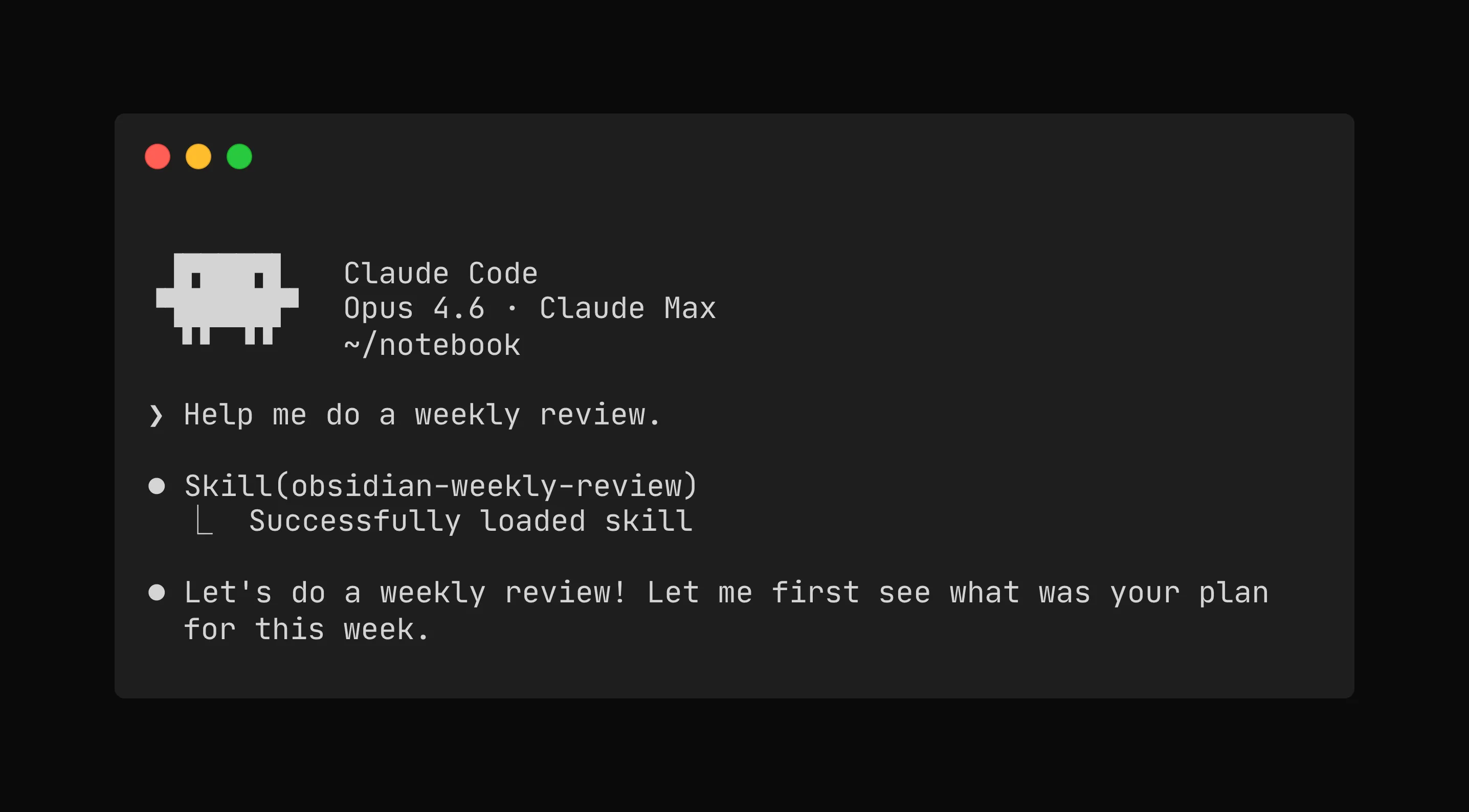
I do planning in quarter and weekly levels. Weekly planning repeats every week, so I have created a skill where the agent checks related notes, gathers all the needed information, and interviews me to review the last week and to plan the next one. To create something similar to suit your needs, prompt your agent to:
/skill-creator Help me to create a skill to run my weekly review and planning for the next week. When creating weekly notes, please use the weekly note template in my templates folder.

Follow this process for this weekly review:

1. Gather all notes I have created this week
2. Create me a short summary of what I did and thought during the week
3. Check what goals I set for this week
4. Those goals in mind, interview me about how to week went. Ask me what worked, what did not work, and what will I focus next.
5. Fill my answers to the current weekly note review section. Use my words exactly, do not edit them.
6. Create a note for the next week and interview me for the three most important goals for that week.You can go as detailed as you want with the prompt. It is likely that the first version of the skill does not exactly work as you envisioned, and this is completely normal. More about iterating your skills in the next chapter.
See my weekly review skill (opens in new tab)
Summarize material
I tend to consume a lot of material (blogs, articles, research, podcasts, etc. ) during my week. Sometimes I find things that seem interesting but I do not have enough time to decide if the material is something I want to spend more time on. I wanted to create a skill that quickly lists the key topics discussed in the material, similar to a table of contents, and saved the note in my inbox folder of my vault. To create something similar, run:
/skill-creator Help me to create a skill to summarize material so I can decide if I want to delve in deeper. I want you to create a table of contents of the key topics discussed in the material. For each topic, use the following template:

# Topic title
<brief description of the topic and why it is interesting, 4-5 sentences>
<if applicable, a link or timestamp of when the topic is discussed in the material>

After making the table of contents, save them as a note to my inbox folder. Use the summary template from the templates folder.

For tagging, use tags that are already present in my vault (see the skill for using Obsidian CLI to query all tags in my vault).This example was more of a generic one but you can create more sophisticated skills for different material types (e.g. a separate skill for videos) if you want to.
See my summarize material skill (opens in new tab)
Prepare materials for writing
I do plenty of writing inside my vault. Sometimes some of my notes turn into published materials quite easily. However, it is often hard to keep track of which notes could be the most potential ones to turn into releases next. I have had very good results with the following skill prompt:
/skill-creator Help me to create a skill to prepare my notes for writing and eventually publication.

Follow this process:
1. Browse all notes tagged with #note (those are my own words).
2. Evaluate which of those notes could be potential for publication. Focus on ideas that are new, interesting, or view a familiar topic from a new angle. Pick 5 most promising ideas.
3. Gather all related material from my vault related to the notes you picked.
4. Review each note against the following questions. How much work is required in order to publish this piece? Do we have enough supporting material? If not, what we need to focus on gathering?
5. Create a project note (using the project template) for each note you picked. Append the note with tasks what I should focus on next for that particular idea.I have been iterating my own version of this skill over several weeks and have gotten very good results. The agent has been able to surface really old notes for further review, and has found good supporting material that I had completely overlooked. Agents really shine at handling scale.
See my prepare writing skill (opens in new tab)
Keep iterating
You should now have a few skills that you frequently use. Now what?
It is likely that the skills you create do not turn out as perfect on the first try. They may be missing some critical part of your process, or the agent may inject too much of its own “thinking” into your notes.
This is completely normal and luckily it is also very easy to fix. You should treat your skills like code; they are living documents that are constantly being improved. The best way to keep working on your skills is to explain the agent what the problem is and ask it to directly edit the skill. For example:
In the skill `obsidian-prepare-writing`, I want you to add a step after step 2. In that step, evaluate each idea against my already published work. I want to check that I have not already published something similar. And there you go, the version 2 of that skill was just created. Now you use it again, and keep iterating if it needs more work or if your process or your vault changes.
One point where you also may need to revisit your skills is when you change models or when models update to newer versions. For example, when Claude updated its models to version 4.6, I ran a review pass and found that many of my skills used overly aggressive language like “You MUST use this tool” or “CRITICAL: always do X.” This kind of wording worked fine on older models but caused newer ones to overtrigger and overplan. The fix was simple: softening the language to something like “Use this tool when it would help.” A small change, but it made a real difference in how reliably the skills performed.
Now it’s your turn
I hope this piece gave you more confidence to work on your own skills instead of trying to hunt a perfect one that someone else has created. But we do not need to settle in for options we can find on the Internet. The time we are living with AI is really the perfect moment to create personalized tools by us for ourselves.
To find all skill examples mentioned in this post, see this GitHub repository (opens in new tab).
And if you work in a team, remember the distinction from earlier: tool-type skills that teach the agent how to use Obsidian CLI or Markdown can absolutely be shared via Git or a skill marketplace. The workflow skills that encode your personal process are the ones worth building yourself.